Vinted order management: how to run 50+ resale orders without chaos
A practical order management system for Vinted resellers who need clearer queues, parcel follow-up, stock matching, and buyer communication.
The first 10 Vinted orders can live in your head. At 50 active orders, memory becomes a liability. You need a system that tells you what to do next without re-opening every conversation.
A good Vinted order management process has five queues:
- Needs review: buyer claims, missing information, possible cancellation, or odd delivery state.
- To pack: paid orders that need item verification, photos, packaging, and label handling.
- To ship: packed parcels waiting for drop-off or pickup.
- In transit: parcels that should be checked only if they stall.
- Completed: orders ready for margin reconciliation and stock updates.
Why order management becomes a growth blocker
Vinted volume is no longer only casual closet clearing. Coverage from The Guardian and the Wall Street Journal shows a marketplace expanding into more categories and larger transaction volume. At the same time, reseller profiles in Business Insider show how successful sellers start using better inventory systems as soon as they operate across multiple platforms.
The bottleneck is not only listing. It is remembering the small operational details:
- which item is in which bin
- which buyer asked for measurements
- which label is printed
- which parcel needs drop-off today
- which stock item sold on another marketplace
- which order should update profit records
The minimum tracker fields
If you are still using a spreadsheet, keep it simple:
order_id
marketplace
buyer
item
sale_price
status
parcel_code
storage_location
next_action
next_action_due
notes
Do not add 30 columns unless you actually use them. A small tracker used every day beats a huge tracker ignored after a week.
Use statuses that drive action
Bad statuses describe the past. Good statuses tell you what to do:
Needs labelPack todayDrop off todayWaiting buyer replyCheck stalled parcelReady to reconcile
Those labels are operational. A seller can scan them and act.
Tie orders back to stock
The most expensive mistake is selling the same item twice or losing the item before shipping. Every order should connect to an inventory record with:
- SKU or internal item ID
- storage bin
- quantity or reservation state
- marketplace listing links
- final profit
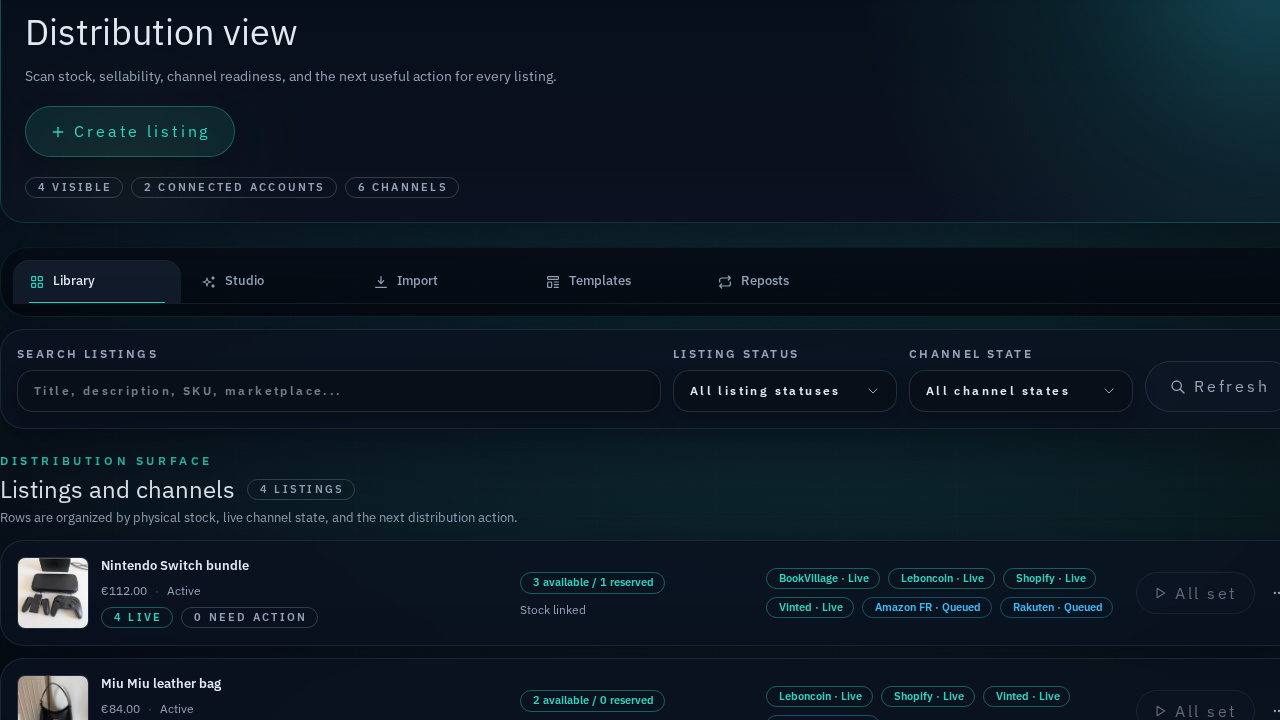
This is where Reflow’s listings, stock, and order workspace becomes useful. The workflow is not just “order tracking”; it is order tracking connected to stock and listings.
Keep sourcing and orders connected
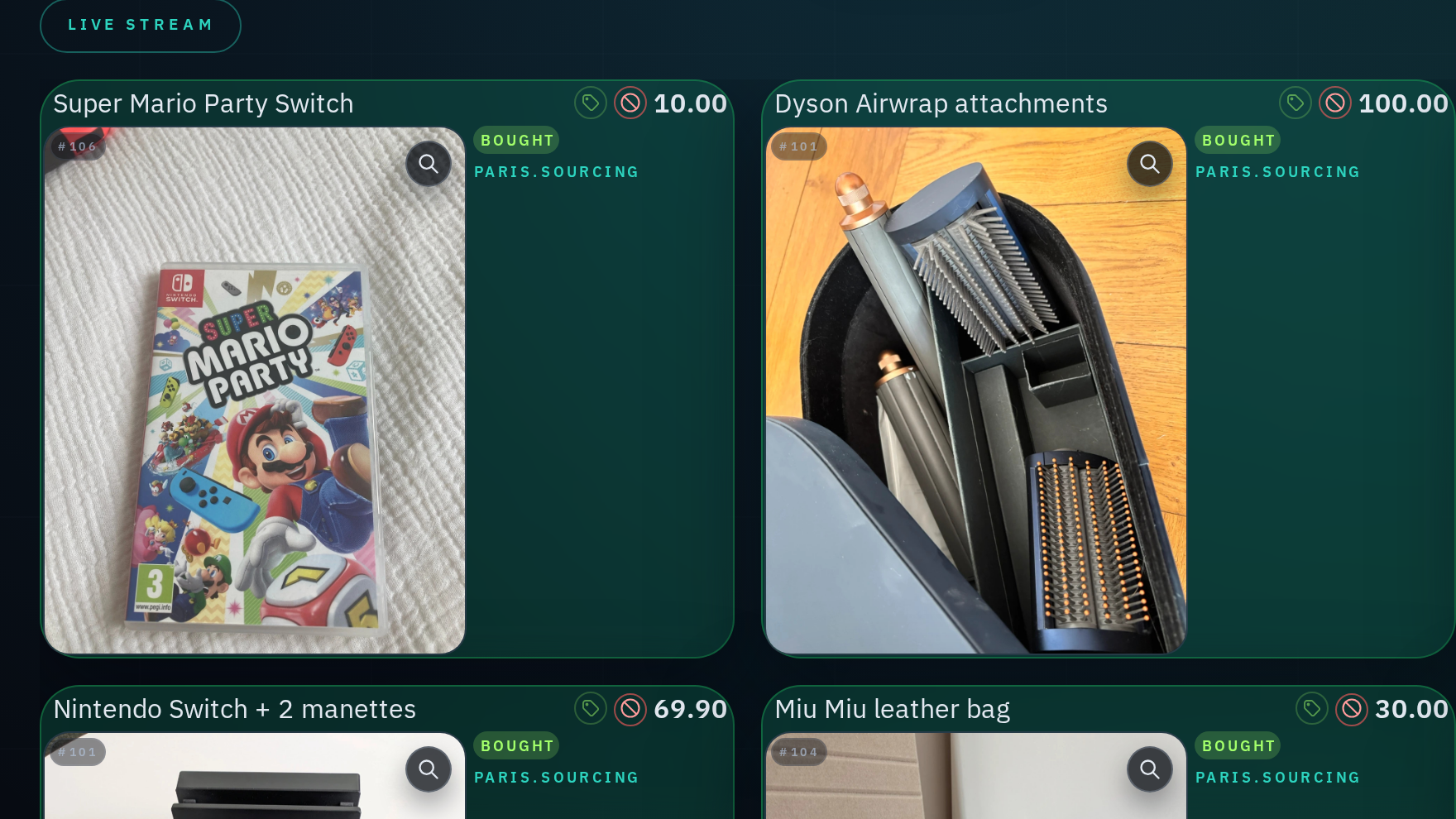
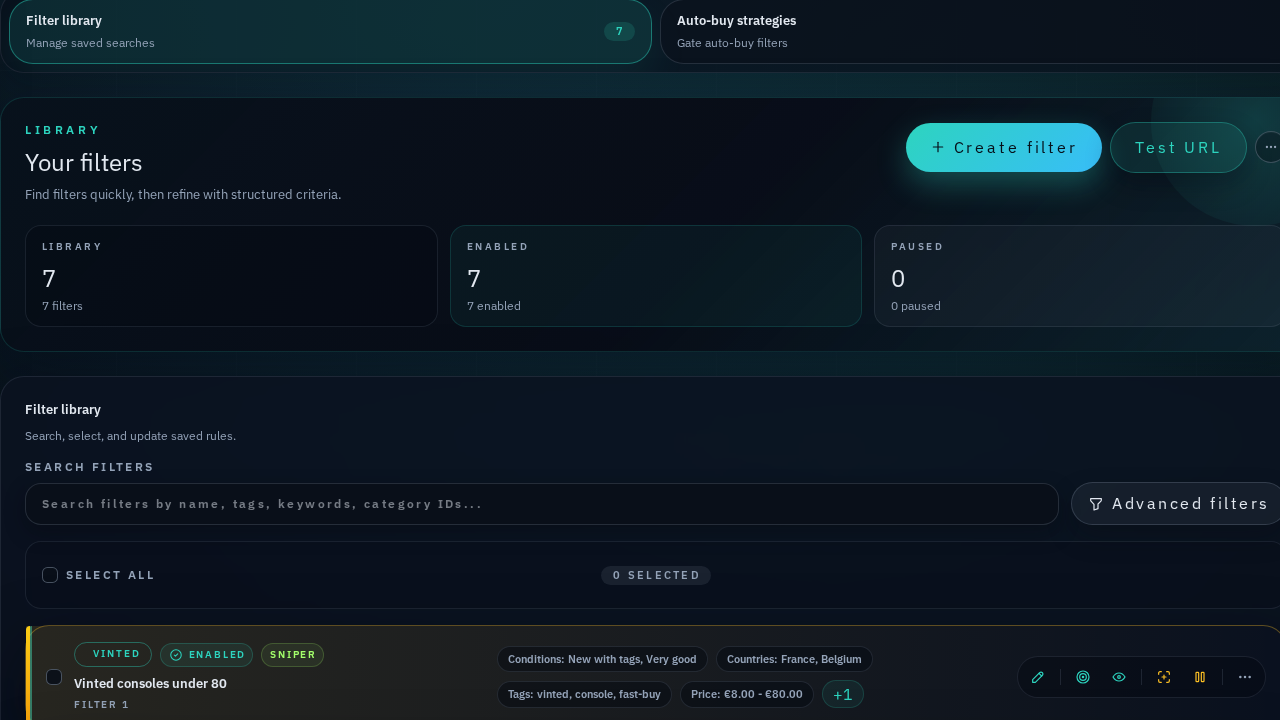
Fast deal sniping creates operational pressure. If every new buy becomes a separate manual note, the order queue will eventually hide margin problems. Connect the buying workflow to the order workflow:
- the filter that found the item
- original buy price and expected resale
- marketplace account used for the purchase
- stock location after arrival
- target resale channels
- final order and profit reconciliation
That connection is what turns “I bought fast” into a repeatable resale process.
Try the free template
Start with the Vinted order tracker template. If buying speed is the bottleneck, test the sniper filter preview. When the queue gets too busy for CSV, move the workflow into Reflow.